

Headshots for Remote Workers
Your Avatar Attends More Meetings Than You
Camera off, avatar on. At a remote company, that little circle is how most colleagues see you, most days. It deserves better than a 2019 crop.
Upgrade My Avatar
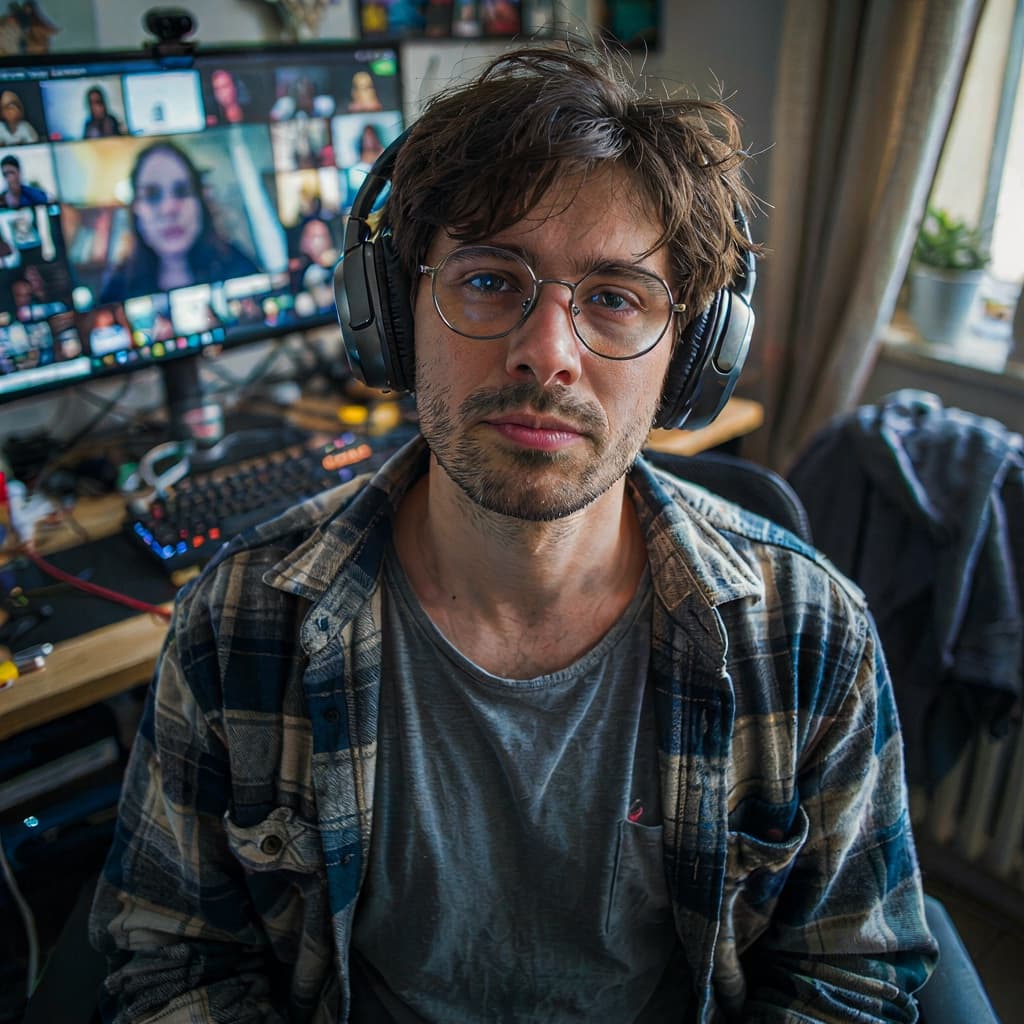


Presence, When You're Never in the Room
In an office, presence is automatic — people see you at your desk, in the kitchen, in meetings. Remote, your presence is whatever your avatar radiates in a hundred small moments a day: the message in the channel, the comment in the doc, the camera-off tile in standup. A default initial or a dark blurry photo makes you fractionally less visible in every one of them.
New remote job? You'll be an avatar to most coworkers for weeks before anyone sees you live. Setting a sharp, friendly photo on day one is the cheapest onboarding advantage available — about a minute and $5.
Your Avatar's Daily Calendar
Everywhere that little circle stands in for you on a normal Tuesday:
How It Works
Step 1:
Upload a selfie
Step 2:
Our AI goes to work
Step 3:
Download ready in seconds
Remote Work Photo FAQ
How do I set a profile picture in Zoom, and what size should it be?
In Zoom: Settings → Profile → click your avatar to upload. A square image of at least 512×512 looks sharp on every screen, including the big meeting-room TVs. Our full-resolution download crops cleanly to square — the free crop tool has a 1:1 preset.
Is a professional photo overkill for Slack?
Think about how often colleagues see it: next to every message, every day, often more than they see your actual face. It's not overkill — it's the highest-frequency impression you make at a remote company.
How formal should a remote-work avatar be?
Match your company's video-call dress code, which for most remote teams means the casual shirt preset. A full suit in your Slack avatar at a hoodie company reads odd. Going for promotion into leadership? The blazer nudges perception the right way.
Can I use a webcam screenshot as the input?
If your face is clear and front-facing, yes. The point of the tool is that the input doesn't need to be good — lighting, background, and clothes are all replaced. The free preview shows you the result before you pay.
Should my avatar match across Zoom, Slack, and Teams?
Yes. On a distributed team, your avatar is your identity; if it changes between tools, you're a slightly different person in each. One photo everywhere makes you instantly recognizable in every channel, call, and doc comment.
One photo for every platform is the strategy — the professional profile picture guide covers it. Whole remote team need matching photos? Team headshots.
Show Up in Every Channel
One selfie from your home office. Free preview, $5 for the photo your colleagues will see a thousand times this year.
Get My Free Preview