

One Professional Profile Picture
for Every Platform
Your avatar shows up in more conversations than you do. One polished photo, used everywhere, makes every one of those appearances work in your favor. Free preview, no account needed.
Create My Profile Picture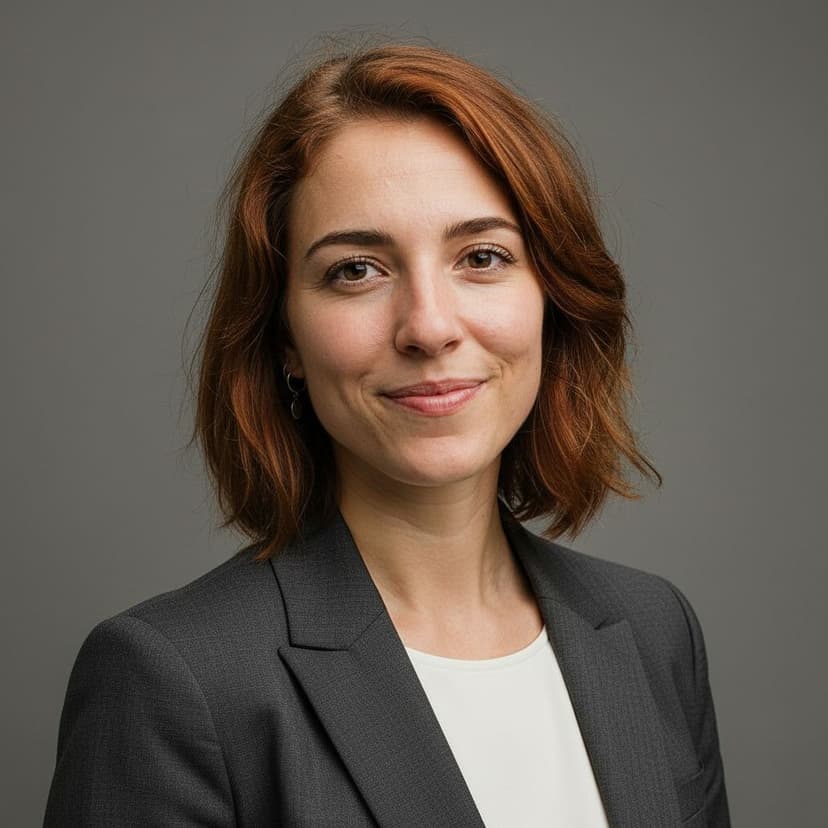


The Avatar Audit Nobody Passes
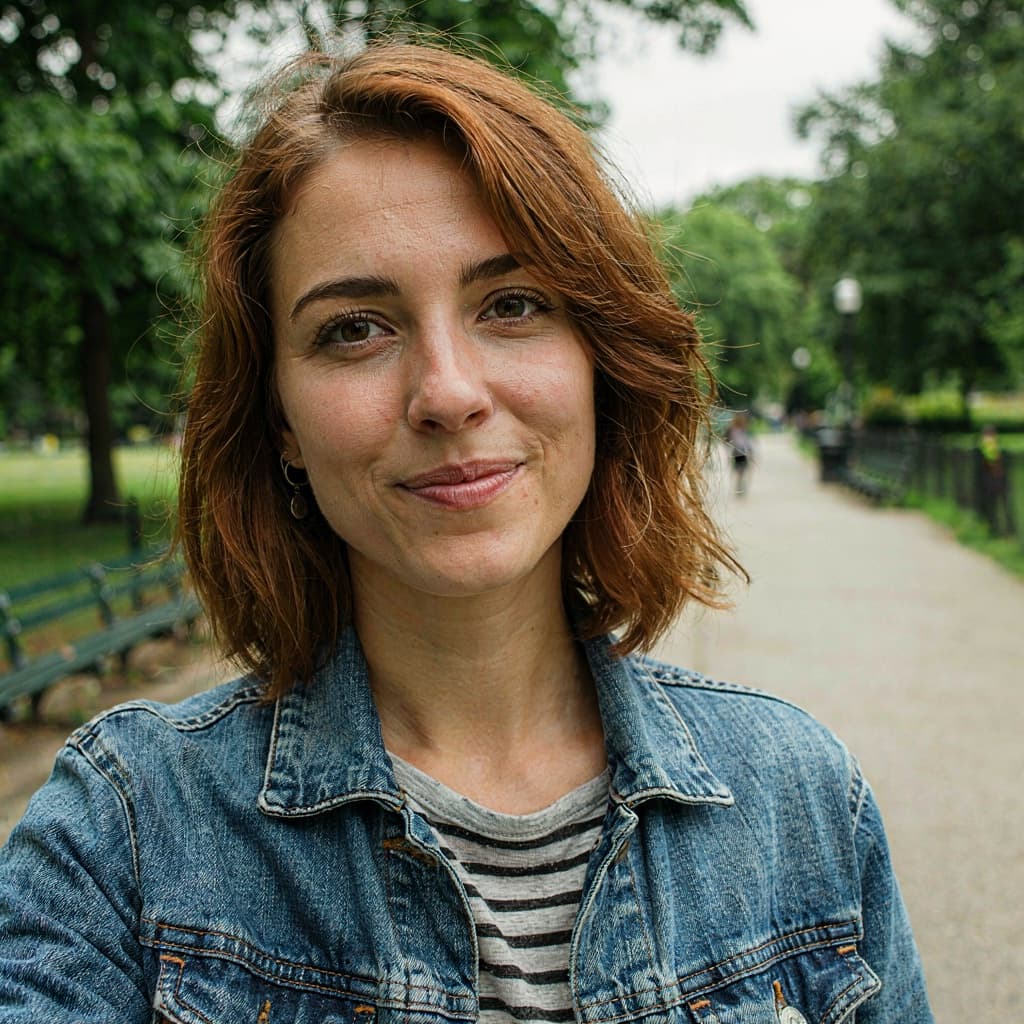
Quick inventory: LinkedIn has the photo from your last job hunt. Slack has a holiday picture. Your email avatar is a gray initial. GitHub is a cat. Each one was a thirty-second decision years apart — and together they're the visual identity you present to everyone you work with.
The fix is not five photoshoots. It's one good photo, uploaded five times. People who interact with you across platforms start seeing one consistent professional instead of a collage of past decisions.
Everywhere Your Avatar Clocks In
Count the platforms that show your face on a normal workday:
Need an exact square or circle-safe crop? The free crop tool has presets for every ratio.
How It Works
Step 1:
Upload a selfie
Step 2:
Our AI goes to work
Step 3:
Download ready in seconds
Profile Picture FAQ
Why use the same profile picture everywhere?
Recognition. Colleagues, clients, and recruiters cross paths with you on three or four platforms. When the same face appears on each, you become one consistent, memorable person instead of four different thumbnails. Brands pay agencies for this effect; you get it by uploading one file several times.
Most platforms crop photos into a circle. How do I prepare for that?
Keep your face centered and filling most of the frame — exactly how our headshots come out. If a platform needs a specific square crop first, our free crop tool has a 1:1 preset that maps cleanly to circular displays.
What size do the major platforms want?
LinkedIn asks for at least 400×400 pixels, X displays at 400×400, Slack recommends 512×512, and GitHub renders around 460×460. The full-resolution download is far above all of these, so one file downsizes cleanly for every platform.
What makes a profile picture look professional rather than just nice?
Four things: even light on the face, a calm background, deliberate clothing, and your face large enough to read at thumbnail size. That's the entire formula — and the presets here apply all four to any clear selfie.
What does it cost and do I need an account?
No account. The watermarked preview is free; the full-resolution picture costs $5, once. It then serves as your avatar everywhere for the next couple of years.
LinkedIn has its own requirements — covered in the LinkedIn headshot guide. Working remotely? See headshots for remote workers.
Retire the Cropped Vacation Photo
One selfie, one free preview, $5 — and every platform you touch gets the same professional face.
Get My Free Preview