

LinkedIn Headshot Generator
From a Single Selfie
Your LinkedIn profile picture is the first thing recruiters and clients see. Get a studio-quality headshot in seconds. Free preview, no account needed.
Create My LinkedIn Headshot
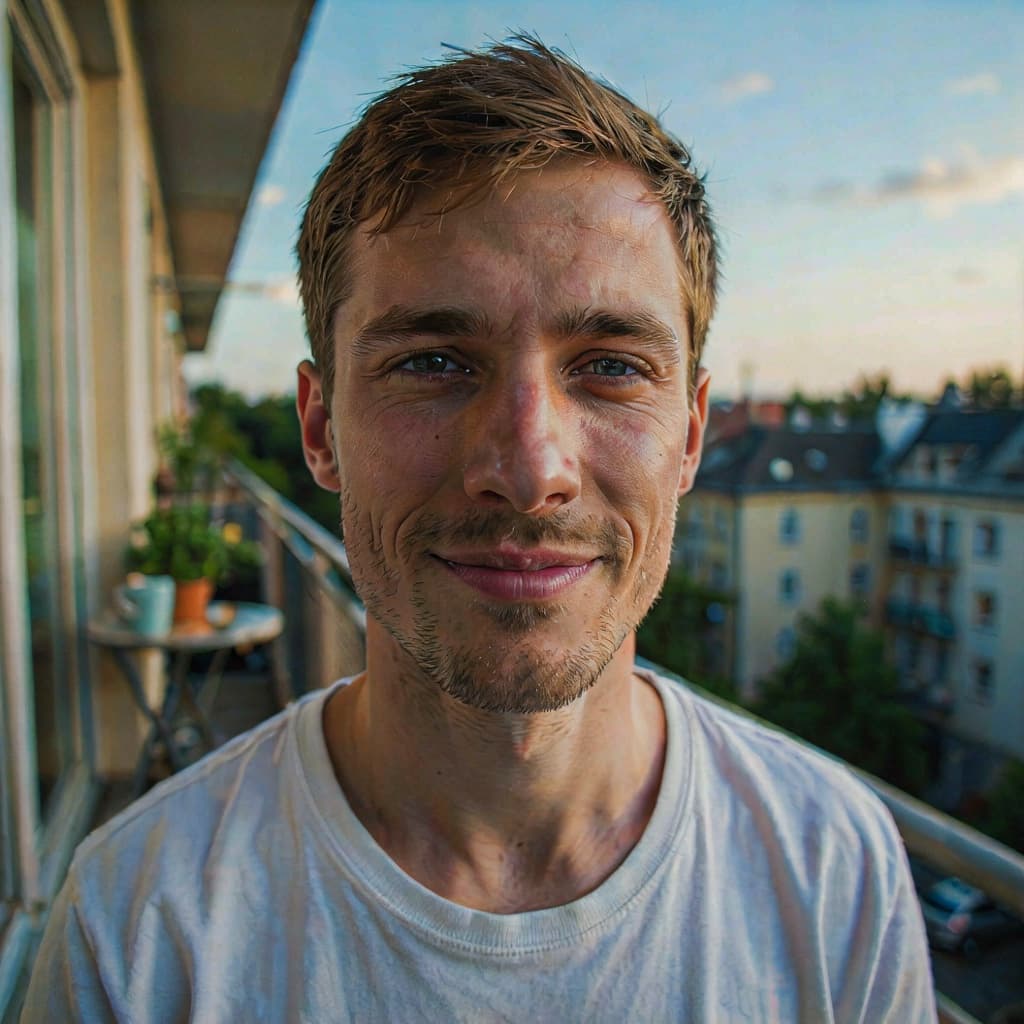
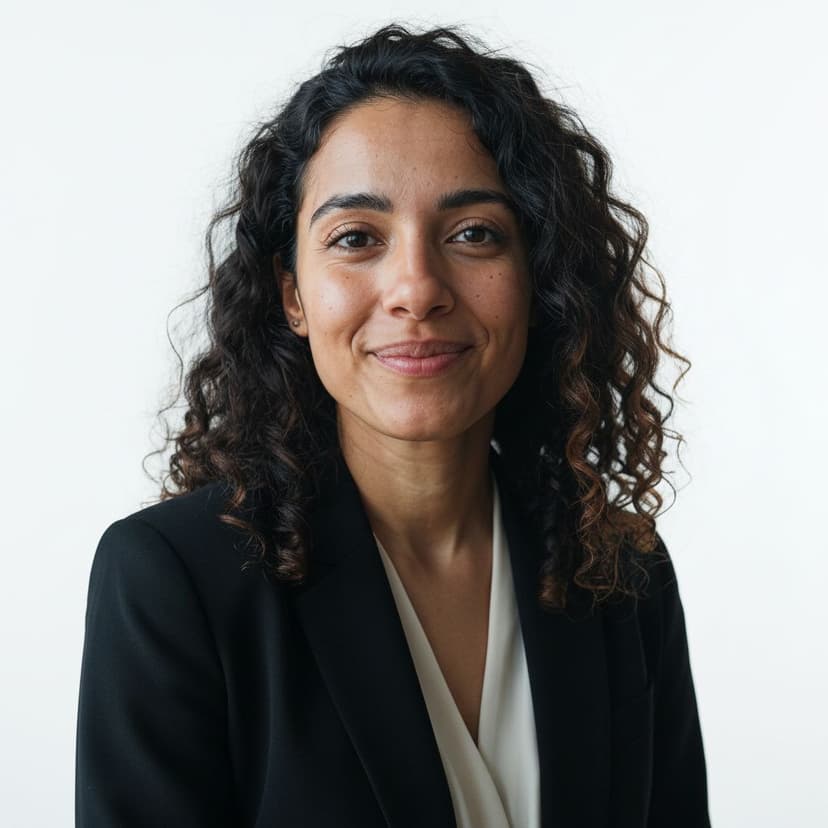
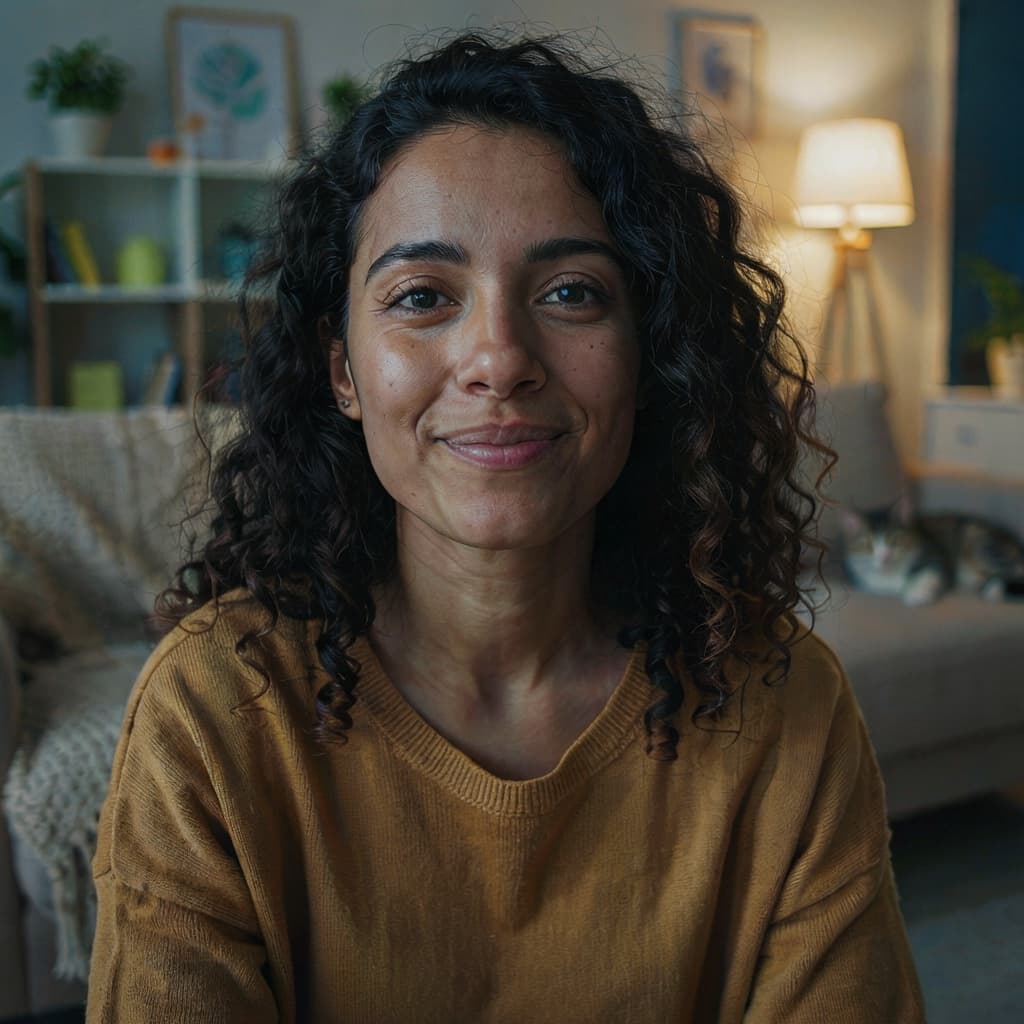
Why Your LinkedIn Photo Matters
According to LinkedIn's own data, profiles with a photo get up to 21 times more profile views and 9 times more connection requests than profiles without one. And it's not just about having a photo. A clear, well-lit, professional headshot signals credibility before anyone reads a single line of your profile.
A traditional photographer session costs $150–$400 and takes days to schedule. Most people settle for a cropped vacation photo instead. There's a better option: a LinkedIn headshot generator. Upload a selfie, and get a headshot that looks like it was taken in a studio.
How It Works
Step 1:
Upload a selfie
Step 2:
Our AI goes to work
Step 3:
Download ready in seconds
Styled for Your Industry
Background
Light gray, white, a blurred office, or any custom color. Neutral backgrounds keep the focus on your face, exactly what works best on LinkedIn.
Attire
Business suit for corporate roles, blazer for consulting, casual shirt for tech and creative fields, or formal dress. No need to own any of them.
Expression
A warm smile, a confident look, or a serious expression. Pick the one that fits your profession, or keep your original expression.
LinkedIn Profile Photo Requirements
Every headshot we generate meets LinkedIn's official requirements:
Need a perfectly square crop? Use our free crop tool with the 1:1 preset.
LinkedIn Headshot FAQ
What size should a LinkedIn profile photo be?
LinkedIn requires at least 400×400 pixels and accepts files up to 8MB. The photo is displayed as a circle, so your face should be centered. Our full-resolution downloads are well above the minimum and ready to upload.
What should I wear in my LinkedIn headshot?
Wear what you would wear to an interview in your industry. A business suit or blazer works for corporate roles, a casual shirt for tech and creative fields. You can pick the attire as a preset, so the photo you upload doesn't need to show it.
What background is best for a LinkedIn profile picture?
A neutral background keeps the focus on your face. Light gray and white are the safest choices, and a softly blurred office background adds a professional context. All three are available as one-click presets.
Can I use a generated headshot on LinkedIn?
Yes. Our technology preserves your identity, so the result is a polished photo of you, not a different person. Recruiters care that your photo looks like you on your best day, and that is exactly what you get.
How long does it take?
About a minute in total. Upload a selfie, choose background, attire, and expression, and your headshot is generated in seconds. The preview is free, and a full-resolution download costs $5.
Is there a free LinkedIn headshot generator?
The preview here is completely free: no account, no credit card, no sign-up. It carries a watermark, so you can judge the result before spending anything. If you like it, the full-resolution file without watermark costs $5 once. No subscription.
Ready to Upgrade Your LinkedIn Profile?
Free watermarked preview. Full resolution for $5. No account, no subscription.
Get My Free Preview